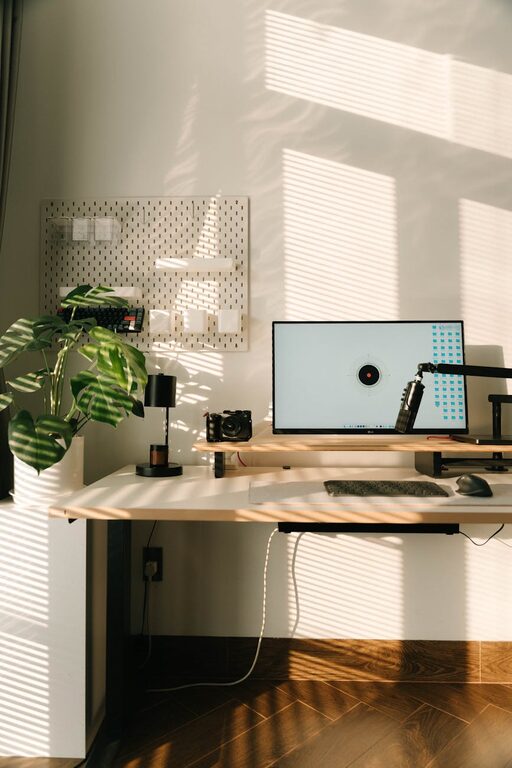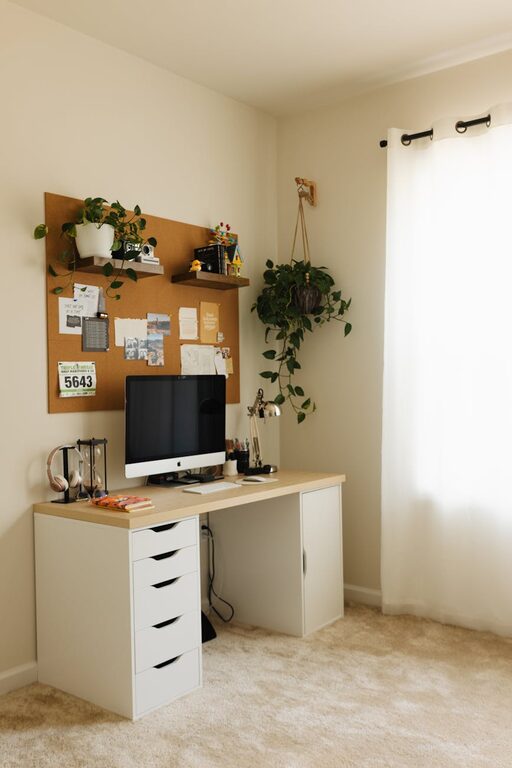
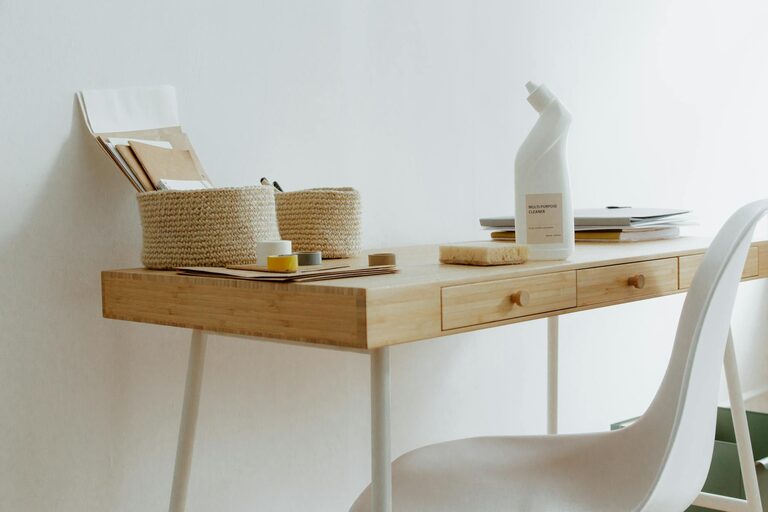
Setting up a home office that is both functional and inviting can greatly enhance your work-from-home experience. A clutter-free space helps reduce distractions, improve focus, and create an environment where you enjoy spending your workday. Whether you have a dedicated room or just a small corner, these tips will help you organise a tidy, efficient home office that suits your needs.
Why a Clutter-Free Home Office Matters
When your desk and space are piled high with papers, stationery, gadgets, and other items, it’s tough to concentrate. Clutter can cause stress and reduce your ability to focus on tasks. Conversely, an organised office promotes productivity, saves time looking for things, and can even improve your mood.
Step 1: Choose the Right Space and Furniture
Start by selecting a spot in your home that has enough natural light and minimal distractions. Even a small nook near a window can work well.
Invest in Suitable Furniture
– Desk: Pick a desk that fits your space but offers enough surface area for your computer, notepad, and other essentials without feeling cramped.
– Chair: A comfortable, ergonomic chair is vital for support during long working hours.
– Storage: Include shelves, filing cabinets, or drawers near your desk to keep items organised and off the workspace.
Step 2: Declutter Ruthlessly
Before you organise, clear everything off your desk and out of drawers.
– Sort items into categories: essentials, seldom used, and non-essential.
– Discard or recycle what you don’t need.
– Consider digital alternatives: scan important documents to reduce paper clutter.
– Limit personal items to those that truly inspire or relax you.
Step 3: Optimise Your Desk Setup
Arrange your desk to maximise efficiency.
– Keep frequently used items—pens, notepad, phone—within easy reach.
– Use desk organisers or trays for stationery and small devices.
– Position your computer screen at eye level to avoid neck strain.
– Maintain clear space in front of you for writing or other tasks.
Step 4: Use Smart Storage Solutions
Good storage options are key to keeping clutter at bay.
– Shelves: Use wall-mounted shelves to free desk space.
– Filing systems: Label folders clearly and create categories for documents.
– Boxes or baskets: Use these for items you don’t need daily but want to keep handy.
– Cable management: Use clips or sleeves to organise cords and reduce tangles.
Step 5: Adopt Consistent Habits
Maintaining a clutter-free workspace requires daily habits:
– Spend five minutes at the end of each day tidying your desk.
– File or shred papers immediately rather than letting them accumulate.
– Regularly review office supplies and donate or discard extras.
– Only keep items on your desk that are necessary for daily tasks.
Step 6: Personalise Mindfully
Personal touches can make your workspace enjoyable, but avoid overdecorating.
– Choose a few inspiring pieces like photos, plants, or artwork.
– Opt for items that add calmness rather than distracting clutter.
– Keep decorations minimal and arranged neatly to maintain openness.
Bonus Tips for Digital Organisation
A clutter-free office isn’t just about physical items — digital clutter can also impair productivity.
– Use folders and naming conventions to organise files on your computer.
– Keep your desktop clean by storing files in relevant folders.
– Regularly delete or archive outdated documents and emails.
– Use apps to keep track of tasks instead of paper notes.
In Summary
Creating a clutter-free home office takes some upfront effort but pays dividends in how you feel and perform. Choose the right furniture, declutter thoroughly, organise your desk and storage wisely, and maintain tidy habits. With these steps, your home working environment can be a calm, productive haven tailored just for you. Happy organising!
About the Author